Appearance
Sharing Albums and Photos
The Sharing page is your central hub for managing how you share photos with other Immich users and external contacts.
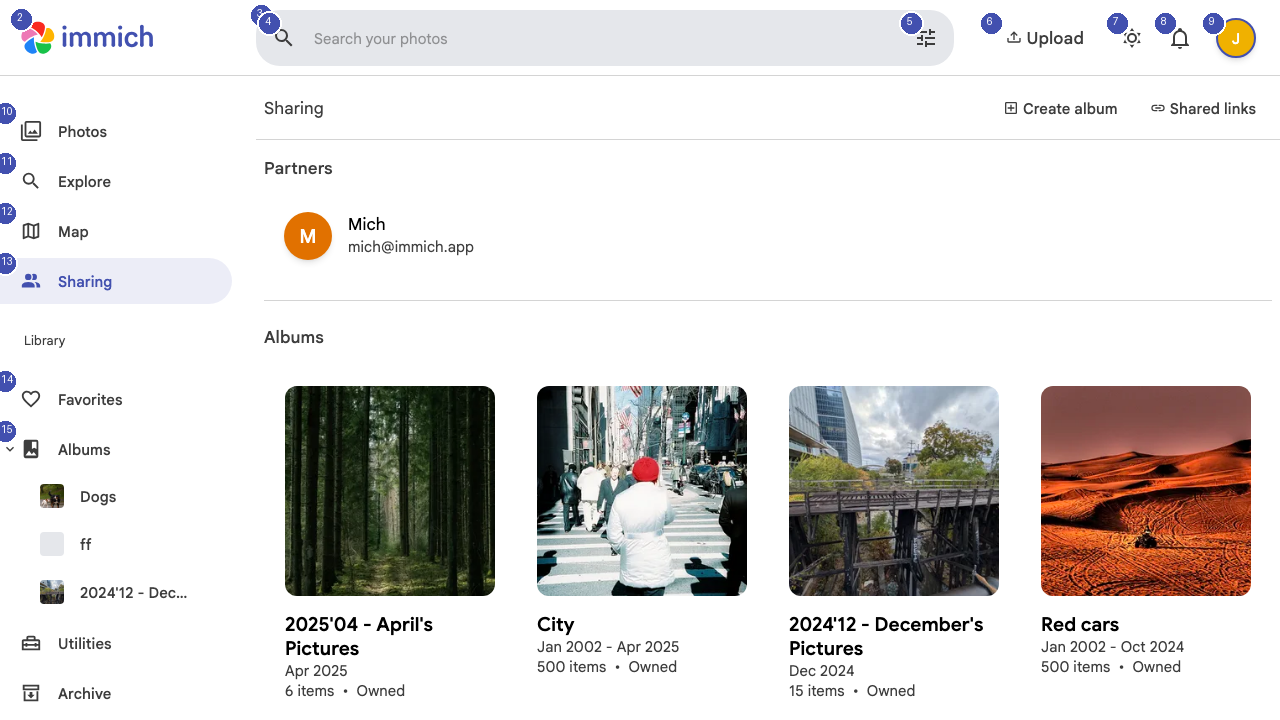
Shared Albums
Shared albums allow multiple Immich users to contribute photos to the same collection. When you share an album:
- Recipients can view all photos in the album
- You can choose whether recipients can add their own photos
- Changes sync automatically for all participants
To share an album, open any album and click the share icon, then select which users should have access.
Partner Sharing
Partner sharing is a deeper level of collaboration where you grant another Immich user access to your entire photo library (or selected portions). This is ideal for family members or close partners who want to see each other's photos.
To set up partner sharing:
- Navigate to the Sharing page
- Click the option to add a sharing partner
- Select a user from your Immich instance
- Choose what they can access
Shared Links
For sharing with people who do not have an Immich account, you can create shared links. These generate a unique URL that anyone can use to view specific photos or albums in a web browser.
Shared links can be configured with:
- Expiration dates — Links automatically stop working after a set period
- Password protection — Require a password to access the shared content
- Download permissions — Control whether viewers can download original files
Manage all your active shared links from the Shared Links section in the sidebar.