Appearance
Searching Your Photo Library
Immich provides powerful search capabilities that go beyond file names, using AI to understand the content of your photos.
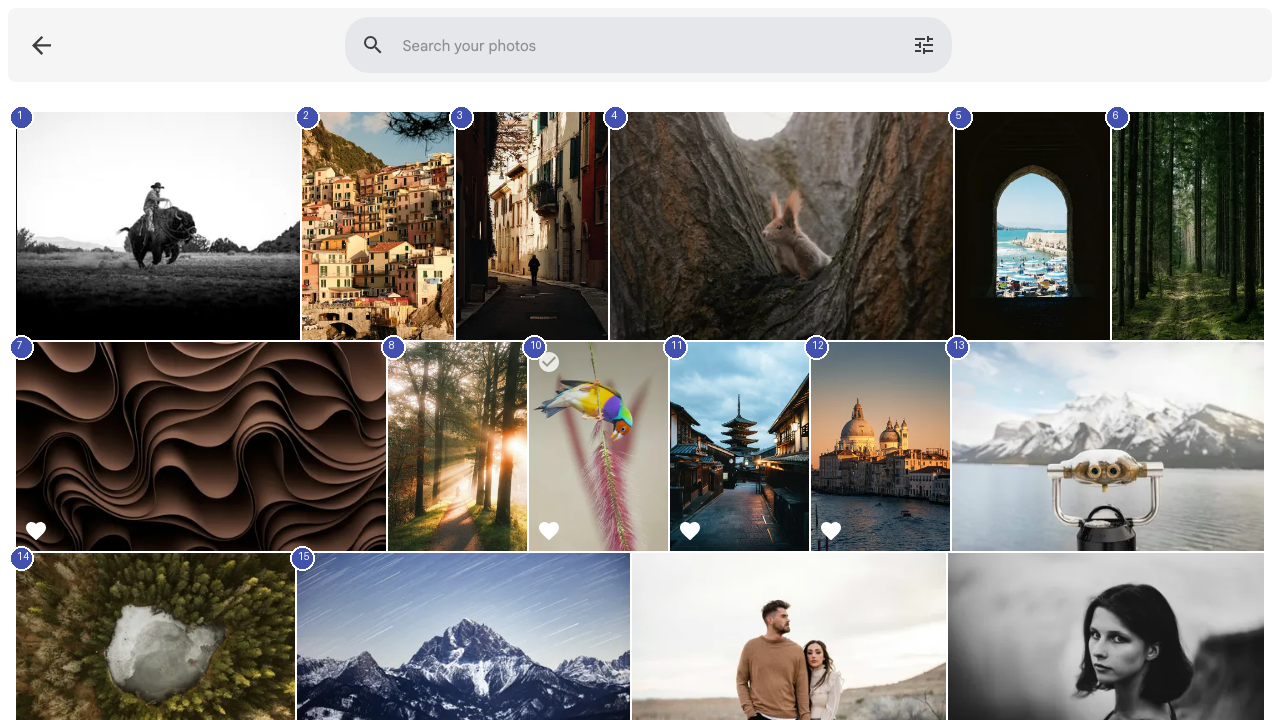
Basic Search
Click the search bar at the top of any page or navigate to the Search page. Type your query and press Enter. Immich searches across:
- File names and metadata
- Location names from GPS data
- People names you have assigned
- Image content using AI-powered visual search (for example, searching "beach" finds photos of beaches)
Advanced Search Filters
Click Show search options to access advanced filters:
- Date range — Find photos from a specific time period
- Location — Filter by city, country, or geographic area
- Camera — Search by camera make and model
- Media type — Filter for photos only, videos only, or both
- File type — Search for specific formats (JPEG, RAW, HEIC, etc.)
Smart Search
Immich uses CLIP (Contrastive Language-Image Pretraining) to understand the visual content of your photos. This means you can search using natural language descriptions:
- "sunset over mountains" finds landscape photos with sunsets
- "birthday cake" finds photos containing cakes
- "dog playing in park" finds relevant pet photos
Smart search processing happens on your server using machine learning models, keeping your photo data private.
Search Tips
- Combine multiple filters for precise results
- Use people's names to find all photos of a specific person
- Search by date when you remember approximately when a photo was taken
- Use location names when you remember where a photo was taken